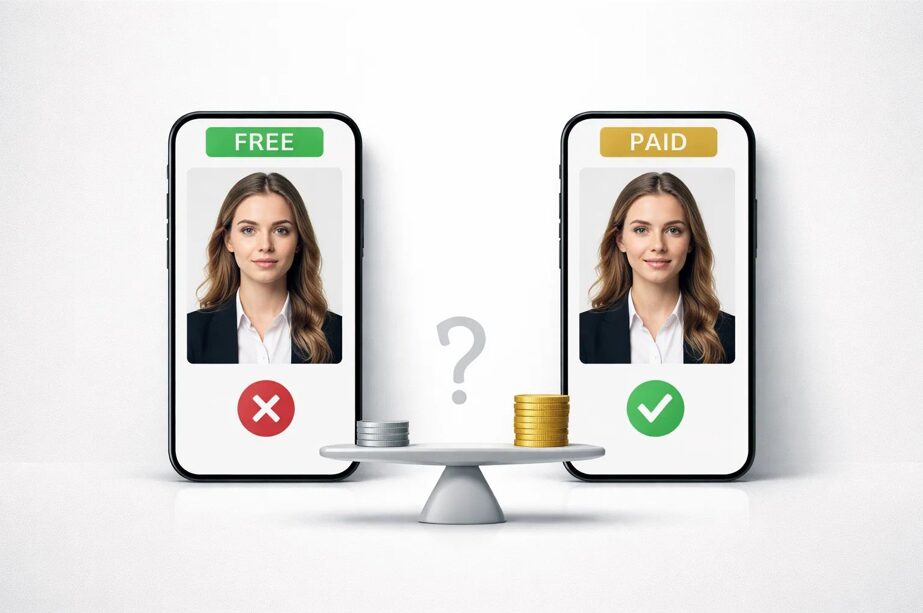
Most people reach for a free passport photo app the same way they reach for a free anything — why pay if you don’t have to? That’s a sensible gut reaction. But passport photos are subject to a different set of rules than most things you download for free. Get it wrong and you’re not just annoyed — you’re facing a rejected application, a delayed trip, or a wasted afternoon back at the post office. We tested both categories against real U.S. State Department requirements. Here’s what the results actually looked like.
Why Your Passport Photo Matters More Than You Think
Most people assume passport photo rejections are uncommon. They aren’t. The U.S. State Department lists more than a dozen specific requirements a photo must meet — and examiners check all of them. Head size must fall within a precise proportional range. The background must be plain white or off-white with no shadows. Both eyes must be open, looking directly at the camera. Glasses are no longer permitted at all.
The consequences of getting this wrong range from mildly annoying to genuinely costly. A rejected photo means a returned application, additional processing time, and in some cases a missed travel window. For expedited applications — which can run over $100 in fees — a non-compliant photo doesn’t just delay things, it wastes money you can’t get back.
What Free Passport Photo Apps Actually Give You
“Free” in the passport photo app market rarely means what most people expect. In practice, it usually means one of three things: a free preview with a paid download, a free output with significant quality limitations, or a free tool that handles cropping but leaves compliance verification entirely up to you.
The pattern across free tools is consistent: free gets you to the door, but compliance-grade output — the kind that actually passes a government examiner’s check — sits behind a payment step in every case. You get enough to see whether the tool works, not enough to actually use it.
What You Get With a Paid Passport Photo App
Paying for a passport photo app isn’t just paying for the download — it’s paying for the verification layer that free tools either skip entirely or gate behind an upgrade.
A properly built paid tool does several things simultaneously. It checks head positioning against government-mandated proportional ranges, not just approximate framing. It processes the background to a true compliant white. It outputs at a resolution that meets print standards — typically 600 dpi minimum — in the correct dimensions for the document type you’re applying for. And it includes a compliance verification step before you download, meaning the app actively flags problems before you submit, not after.
The price point for paid passport photo apps typically runs between $7.99 and $9.99 for a digital download — less than half the cost of an in-store session at CVS or Walgreens, which runs $16.99 to $18.99 for a two-photo set.
When a Free App Is Good Enough
There are situations where a free passport photo app does exactly what you need. The most legitimate use case is composition checking before you commit — verifying your lighting, background, and head positioning before taking a dozen retakes. A free tool gives you that feedback at no cost.
A free app also works reasonably well for non-official purposes — internal ID photos, workplace badge photos, or any situation where the output doesn’t go through a government examiner.
What free apps are not good enough for is actual submission. A real passport application, a U.S. visa, a green card photo — anything that goes in front of an official examiner operates under precise technical standards that free tools don’t reliably meet end-to-end.
When You Should Pay
There are four situations where using a free passport photo app is a gamble not worth taking: a U.S. passport application, a visa application, a child’s passport photo, and any urgent or expedited application. In all four cases, a rejected photo isn’t just inconvenient — it can mean missing a travel window and losing fees already paid.
Our Pick: Why We Recommend PhotoGov
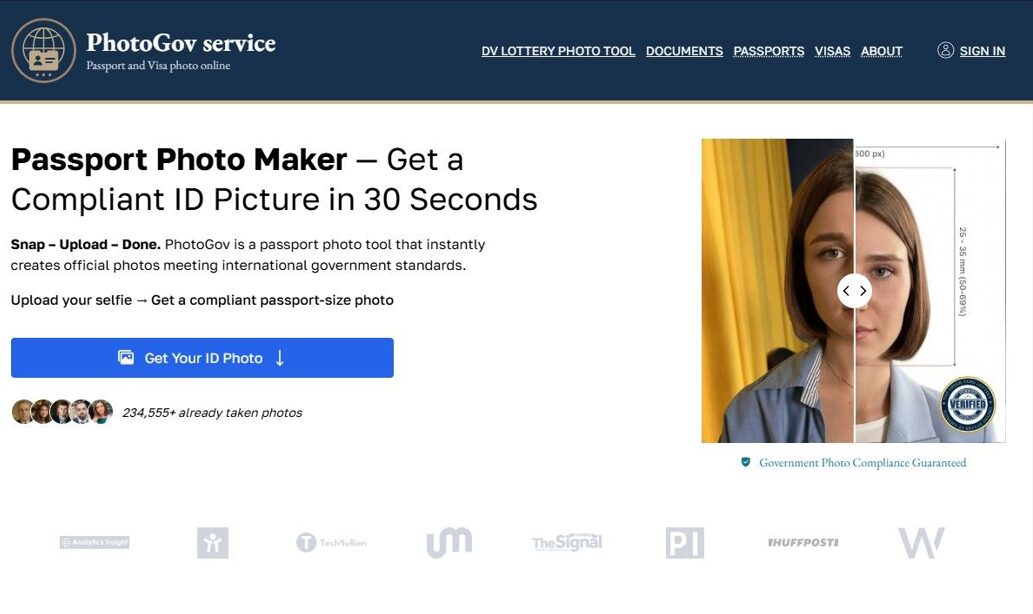
After testing PhotoGov across multiple photo conditions — different lighting setups, varying background colors, indoor and outdoor shots — it consistently delivered compliant output where free alternatives fell short.
The workflow is straightforward. You upload a photo or take one directly in the app, the tool processes the background and checks head positioning, and you get a compliance result before you’re asked to pay anything. The output is a 600 dpi, print-ready file in the correct 2×2 inch format, along with a 4×6 inch print sheet. No account creation, no subscription.
Background removal was accurate even on photos taken against non-white walls — a common failure point for free tools. Processing time was consistently under two minutes.
Pros:
- Full ICAO and U.S. State Department compliance verification
- Accurate background removal
- Print-ready 600 dpi output
- No account required
- Faster and cheaper than a pharmacy session
Cons:
- No free preview before payment
- Photo quality depends on your original shot
- No live customer support
Final Verdict
Free passport photo apps have a place — as a composition check or a tool for unofficial purposes. But for any document that goes in front of a government examiner, the free category doesn’t reliably deliver what the situation requires.
Paid apps close that gap. They verify compliance before you download, process backgrounds accurately, and output files at the resolution that meets submission standards — for roughly half the in-store cost.
PhotoGov is our recommendation for U.S. passport and visa photos. It’s fast, requires no account, and the compliance verification is built into the process. Download it on the App Store or Google Play — either way, you’re looking at a compliant photo in under five minutes.